
Let’s become part of our team, by lending your hand to our beloved own!
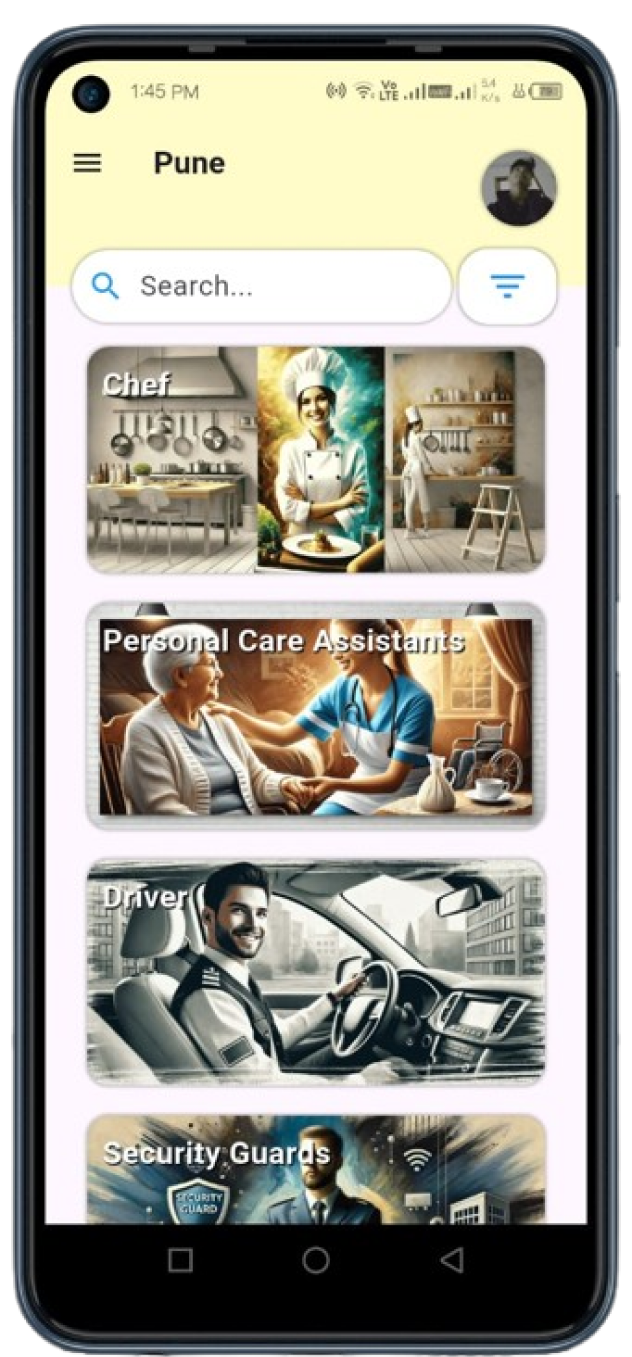

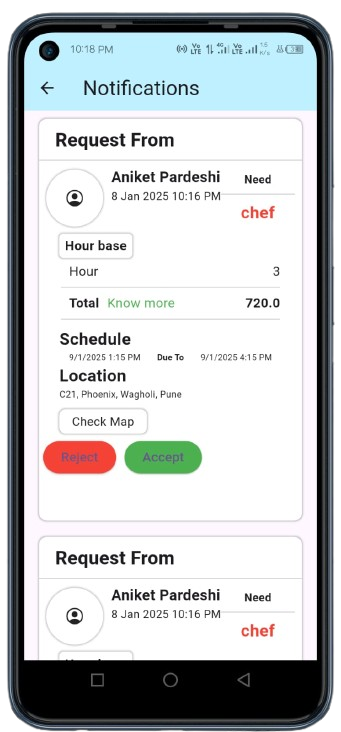
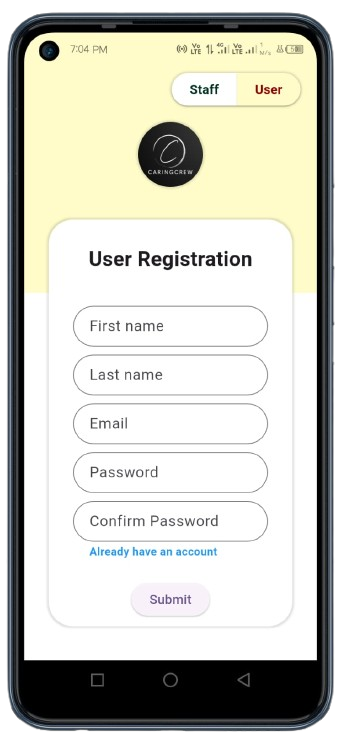
First of all you must create an user account, Enter the necessary information (Remember name cant be changed so enter the right one). After you create account you will get an verification email to verify your the right User. Verify your account by clicking on email Link.
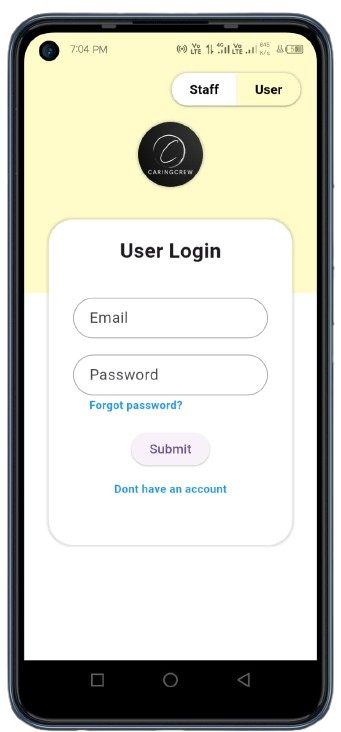
After you email is verified you can login to your User account, Keep in mind once created User email cant be used to create Staff account.
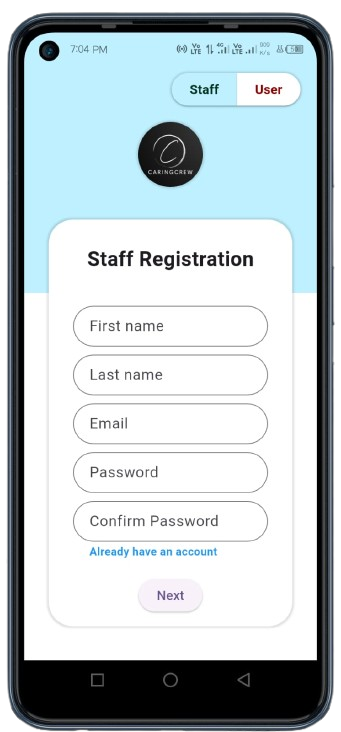
To become part of our community you need to create your staff account by entering necessary information on register page.
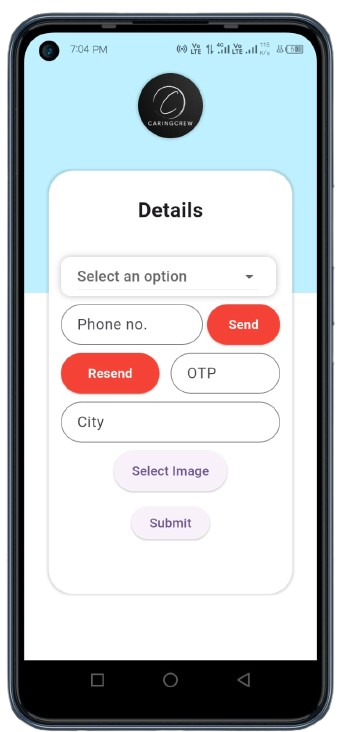
Enter All the necessary extra details about your profession, Use all the real information.

Select your profession by clicking the drop down menu, Once you create staff account by default User will also be created so your can login as a User as well.
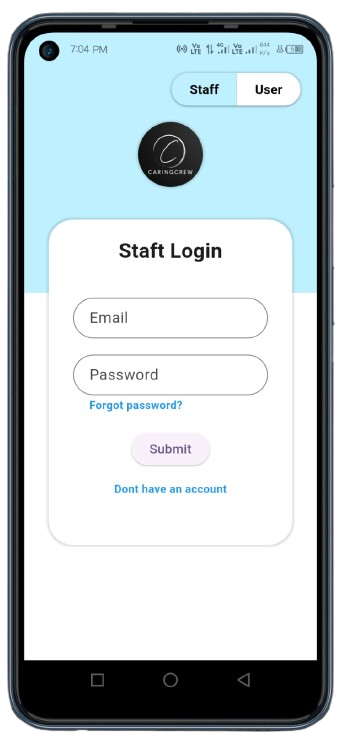
Use your staff account data your entered while creating account to login, Before that make sure you already have verified your account, After registration process we send as email to verify your account.
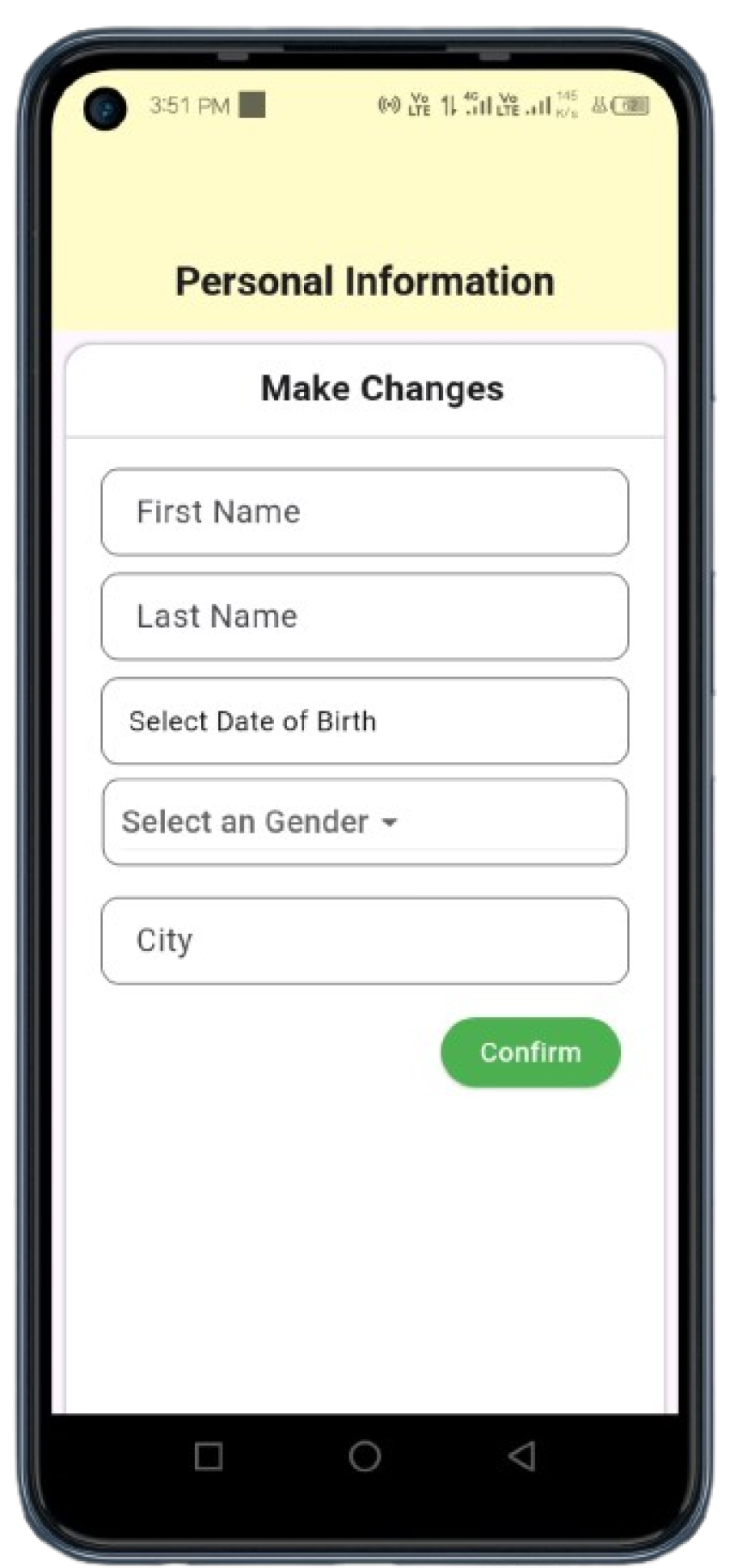
Staff can still many of their information from personal information change the icon is located in profile

Staff can change their contact information through this way, and the icon is located in profile of staff.